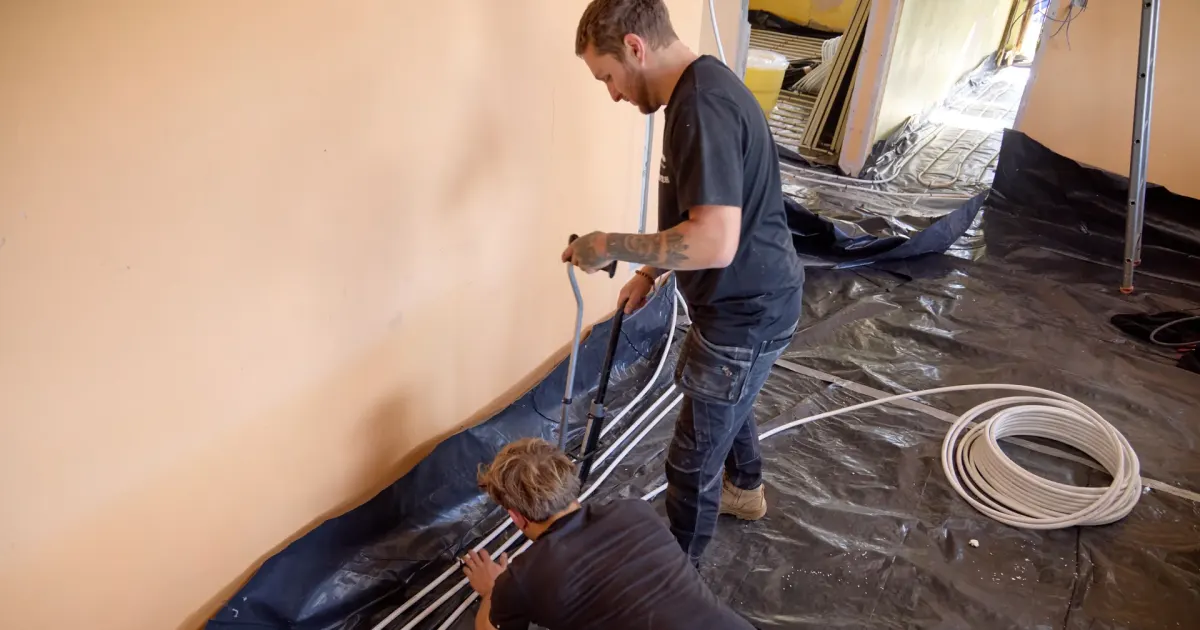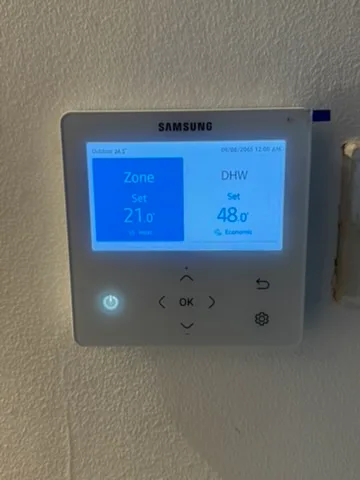
Samsung screed drying is called Concrete curing in the manuals. On the control kits covered here, it runs a fixed 23-day water-temperature programme, enabled by the third switch in the SW03 DIP-switch bank.
This guide covers the earlier control-kit arrangement used with Gen 5 and the CN/EN kits used with Gen 6 and Gen 7 systems. Check the wiring-centre model before following the steps. The generation of the outdoor unit does not identify every control fitted indoors.
Samsung instructions
- Earlier MIM-E03*N control-kit manual, page 44
- MIM-E03CN manual, page 37
- MIM-E03CN / MIM-E03EN manual, pages 41–42
Manufacturer instructions hosted by manual and heating suppliers. Use the matching revision for the equipment on site.
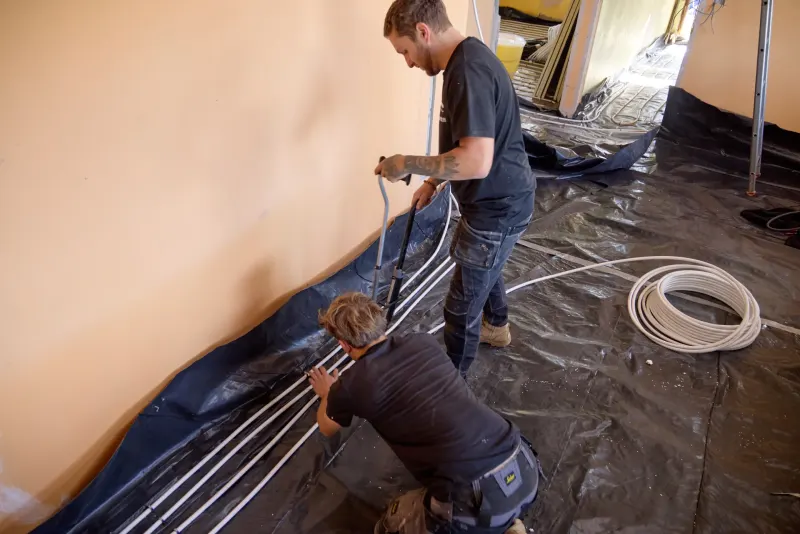
Samsung Gen 5, Gen 6 and Gen 7: which instructions apply?
| System | What to match | Documented function |
|---|---|---|
| Gen 5 / earlier EHS | Earlier MIM-E03*N kit covered by DB68-05388A-04. Check the full model suffix. | Concrete curing, K3 on SW03, 23 days. |
| Gen 6 | MIM-E03CN, matching the R32 control-kit manual. | The same K3 activation and 23-day profile. |
| Gen 7 | MIM-E03EN or CN where specified for the installed outdoor unit. Use the matching CN/EN instructions. | The CN/EN manual retains the K3 function and profile. |
Stop if the board labels do not match. An integrated hydro unit, replacement board or different control kit needs its own instructions. Do not count switches on a different board and assume the third one does the same job.
Before heating the screed
- Get the screed details. Record its type, laying date, thickness and supplier's required curing time before heat can be applied.
- Agree the heat-up programme. Check the starting temperature, maximum, ramp rate and hold periods. If the Samsung preset does not match, agree a different commissioning method rather than running it anyway.
- Prove the water circulation. Fill, flush, purge and pressure-test the system. Check manifold valves, actuators and every loop that needs heating. A flow-temperature reading at the heat pump does not prove every floor loop has circulation.
- Make the site ready. Arrange electricity, access and monitoring for the full programme. Confirm the heat pump can operate within its limits with a cold building and cold system water.
- Save the settings. Photograph or write down the original switch positions, controller settings and manifold arrangement.
For the floor design itself, see our underfloor heating and heat pumps guide. Screed drying comes after the pipework and floor specification have been agreed.
How to activate Samsung screed drying
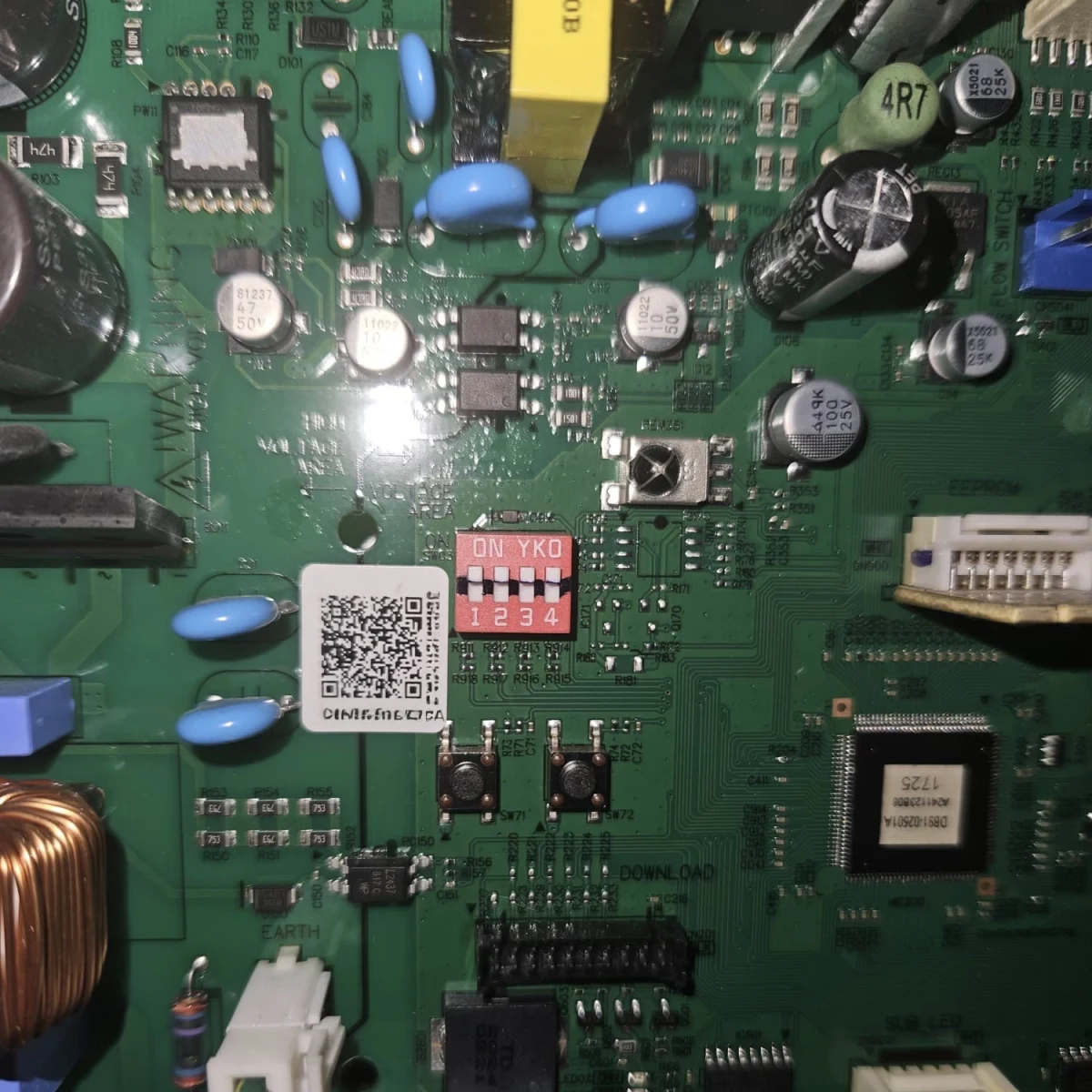
- Isolate and prove dead. Stop operation and safely isolate all relevant supplies before opening the wiring centre. The controller's power button is not electrical isolation. Allow the discharge time specified by the manual.
- Identify SW03. Verify the PCB markings against the manual. Set its third DIP switch, K3, to OFF. Leave unrelated switches unchanged.
- Close the enclosure and restore power. The control kit reads the changed position on restart and starts the curing programme automatically.
- Check the result. Confirm the curing/remaining-days display, then check actual flow temperature and circulation.
This is not a normal wall-controller menu setting. During the programme, normal key operation is unavailable. The earlier kit can show CC; the colour controller shows the remaining days.
Activation and display behaviour: the earlier Samsung control-kit manual, page 44, and CN/EN manual, page 41, linked above.
The Samsung 23-day screed-drying profile
These are target leaving-water temperatures, not room temperatures or measured screed temperatures. The programme lasts 552 hours.
| Day | Target water temperature | Duration |
|---|---|---|
| 1–4 | 30°C | 96 hours |
| 5–7 | 55°C | 72 hours |
| 8 | 30°C | 24 hours |
| 9 | 35°C | 24 hours |
| 10 | 40°C | 24 hours |
| 11 | 45°C | 24 hours |
| 12 | 50°C | 24 hours |
| 13–18 | 55°C | 144 hours |
| 19 | 50°C | 24 hours |
| 20 | 45°C | 24 hours |
| 21 | 40°C | 24 hours |
| 22 | 35°C | 24 hours |
| 23 | 30°C | 24 hours |
The 55°C stage on days 5–7 is not a typing mistake. It appears before the gradual rise later in the programme. That is why checking only the first day's temperature is not enough.
Profile checked against the original graph and duration table in Samsung DB68-08471A-08, printed page 41.
What if it stops or loses power?
Samsung says the programme continues when power and communication return after a power cut. An active error prevents curing operation. Record the fault and interruption rather than assuming the floor received its full heating period.
For low water flow, the Samsung E911 guide covers pressure, air, restrictions, pumps and flow-sensor checks. Repeatedly clearing the error does not fix the cause.
Stopping the programme and returning to normal heating
Return the curing switch to its normal ON position when handing the system back. If stopping early, agree what happens next with the screed supplier. Do not leave the programme enabled and assume the normal heating controls have resumed.
Restore the commissioned heating settings, check the schedule and confirm that the room controls and actuators work. Keep the temperature and interruption record with the floor's commissioning paperwork.
Finishing the programme does not certify the floor ready for its covering. Follow the screed, adhesive and floor-covering suppliers' moisture-testing and installation requirements.
Samsung screed-drying questions
How long does Samsung screed drying take?
The documented Concrete curing programme lasts 23 days, or 552 hours. That is the heating programme, not a guarantee that the floor is dry enough for its covering.
Where is the Samsung screed-drying setting?
On the matching control kits, it is switch K3, the third DIP switch in SW03 inside the wiring centre. OFF selects curing. This is an installer-only change with the equipment safely isolated.
Is the programme the same for Gen 5, 6 and 7?
The earlier MIM-E03*N and the CN/EN manuals reviewed show the same 23-day profile. Match the actual control kit and manual; the outdoor generation alone is not enough.
Why does the temperature jump to 55 degrees C?
The published profile holds 30 degrees C for four days, then 55 degrees C for three days before returning to 30 degrees C and beginning a stepped rise. Get approval for this whole profile from the screed supplier.
Can I use normal room controls during curing?
The manual says normal key operation is unavailable during the programme. The installer needs to check that the required floor circuits remain available.
Does completing the programme mean the flooring can be laid?
No. Follow the screed and floor-covering suppliers' moisture-testing and installation requirements before laying the covering.
Need the heating ready for screeding?
Our underfloor-heating installation service can help coordinate the heat pump, floor heating and commissioning plan for a Lincolnshire project.
Use the instructions for the exact equipment and installation. This guide separates normal user controls from commissioning work inside electrical equipment.